Skip to content

Dive center scheduling, from the calendar to the boat

Plan the season in a calendar, then load each boat with divers, a skipper and crew in a drag-and-drop daily planner.

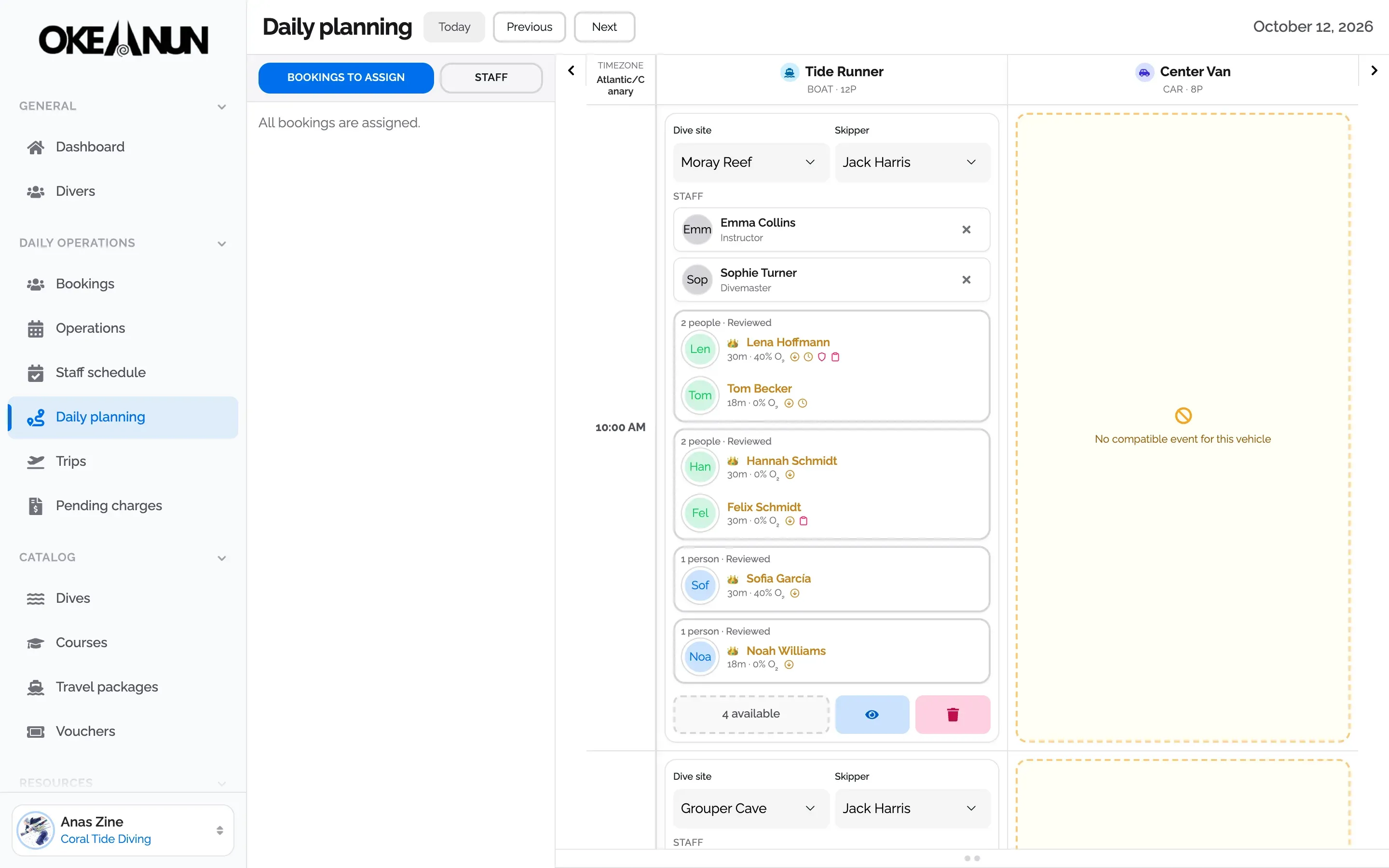
Okeanun Manager daily planner with a boat trip to Moray Reef, its skipper, two guides and the divers on board

The whole season in one calendar

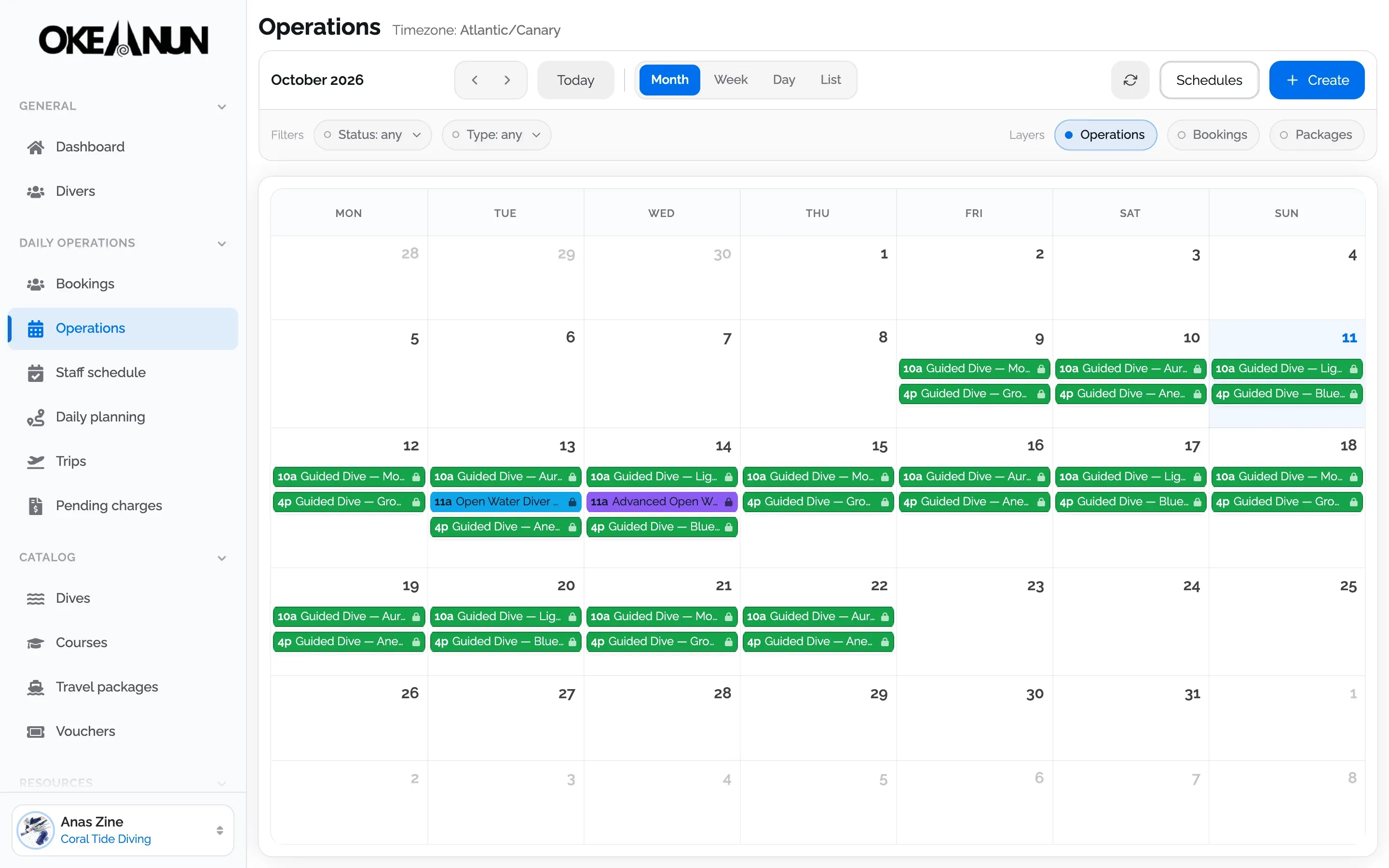
Dives, courses and trip departures share one calendar in month, week, day or list view. Set up a recurring programme once and the dives appear week after week, ready to publish on your booking page. Bookings without a dive yet wait in their own row until you place them.

Month view of the operations calendar with morning and afternoon guided dives and two course dives

Shifts that feed the planner

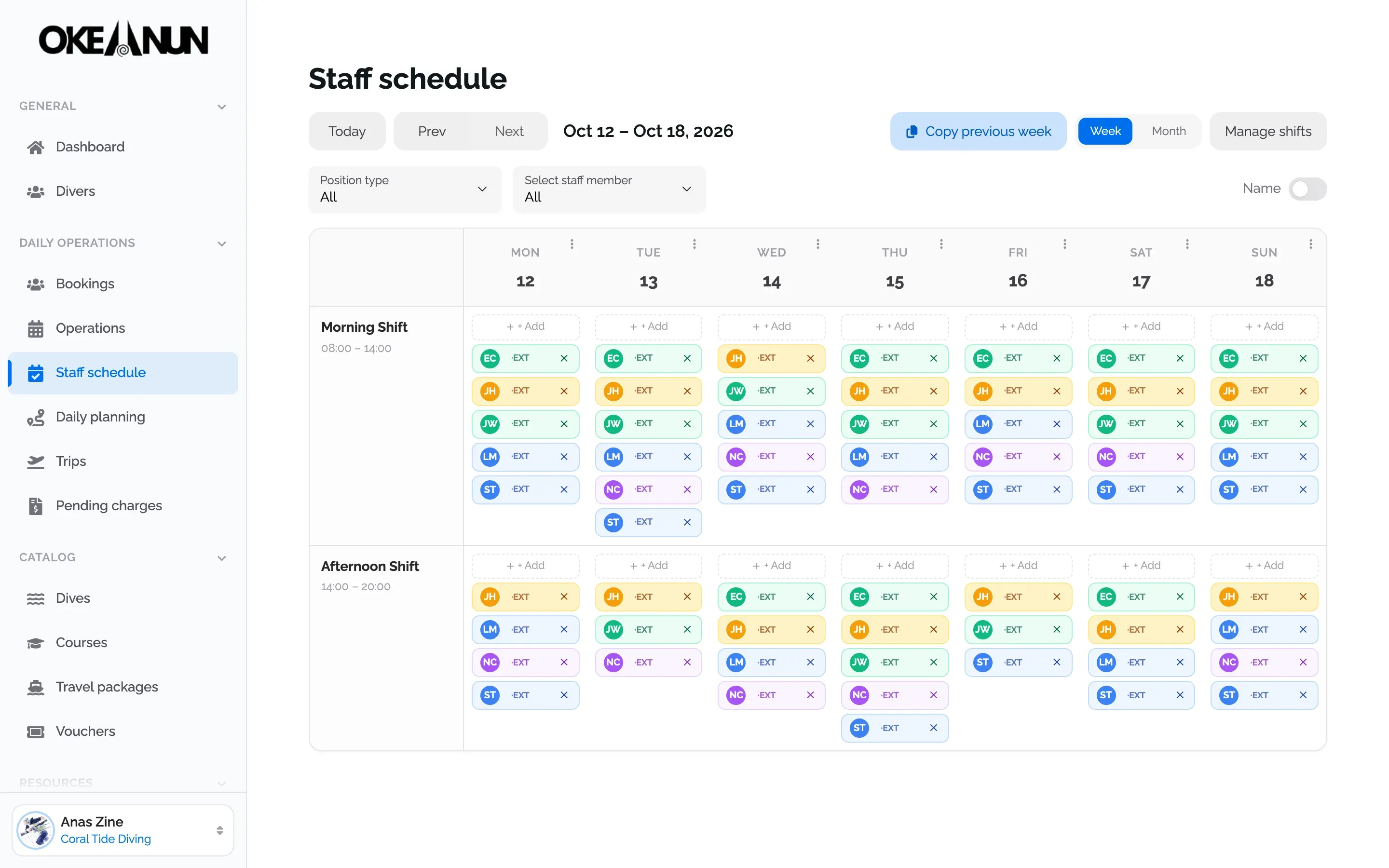
Build the rota with your own shift templates, copy last week in one click and filter by role. The daily planner only offers a skipper, a driver or a guide who is on shift for the whole trip, so nobody ends up on two boats at once.

Weekly staff schedule with morning and afternoon shifts for instructors, divemasters and the skipper

Today, at a glance

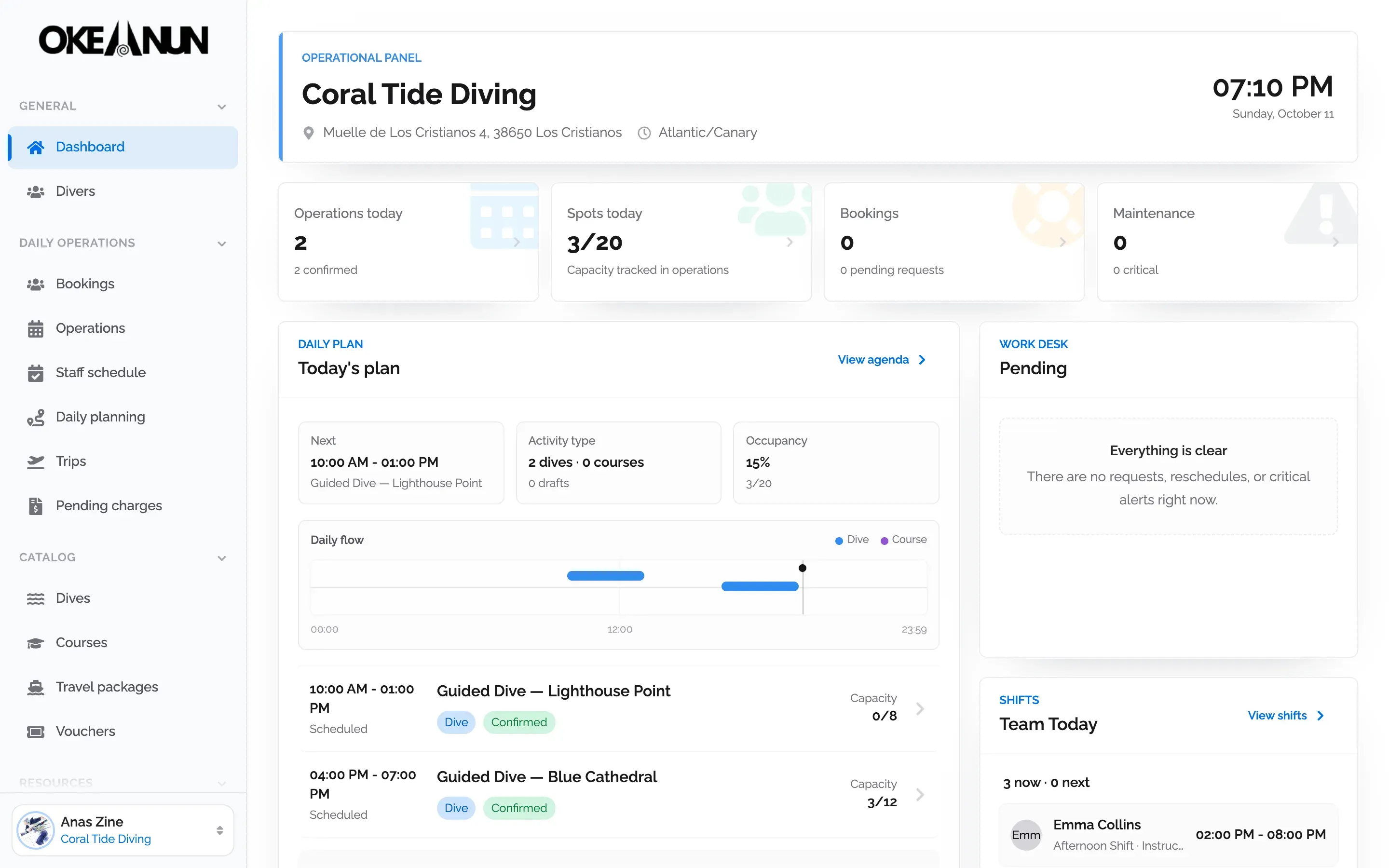
The dashboard opens on today's operations, the spots taken on each dive, the team on shift and anything that needs a decision, in your center's own time zone.

Okeanun Manager dashboard with today's dives, occupancy and the team on shift

Dive center scheduling software built around the boat

Most dive centers plan the day twice: once in a calendar or spreadsheet, and again on a whiteboard at the dock. Okeanun Manager joins both. The operations calendar holds what you sell (guided dives, courses and liveaboard departures), and the daily planner turns each dive into a real trip: which boat or van leaves, at what time, to which dive site, with which skipper and which guides.

Because bookings, staff shifts and the fleet live in the same system, the planner can do the checking for you. It only offers people who are on shift for the whole trip, it only sends a dive with a vehicle that can reach the site, and it flags divers whose documents are not ready before they step on board.

What you can plan

  • Dives and courses with their capacity, price and dive site, one-off or as a recurring programme.
  • Trips for each boat and van, with skipper or driver, crew and the divers on board.
  • Staff shifts from your own templates, by day, week or month.
  • Dive sites and areas, with the depth and the vehicles that can reach each one.

Everything is shown in your center’s time zone, and the same plan is available to every member of the team according to the permissions of their role.


Questions about scheduling

What people ask us most about this feature.

Can I schedule recurring dives?

Yes. A recurring programme with a dive site creates the dives for the coming weeks automatically, and you can publish them on your booking page. Without a site, the calendar shows the slots and you turn each one into a dive when you need it.

How do I assign divers to a boat?

In the daily planner, each vehicle has its own column. You create a trip with the dive site, time and skipper, and drag each booking onto it. Staff are added the same way, and only people on shift for that time can be assigned.

Does it work with boats and vans?

Yes. Your fleet holds boats and cars with their capacity, and each dive site lists the vehicles that can reach it, so the planner only lets you send a dive with a compatible vehicle.

Can I see each diver's level on the planner?

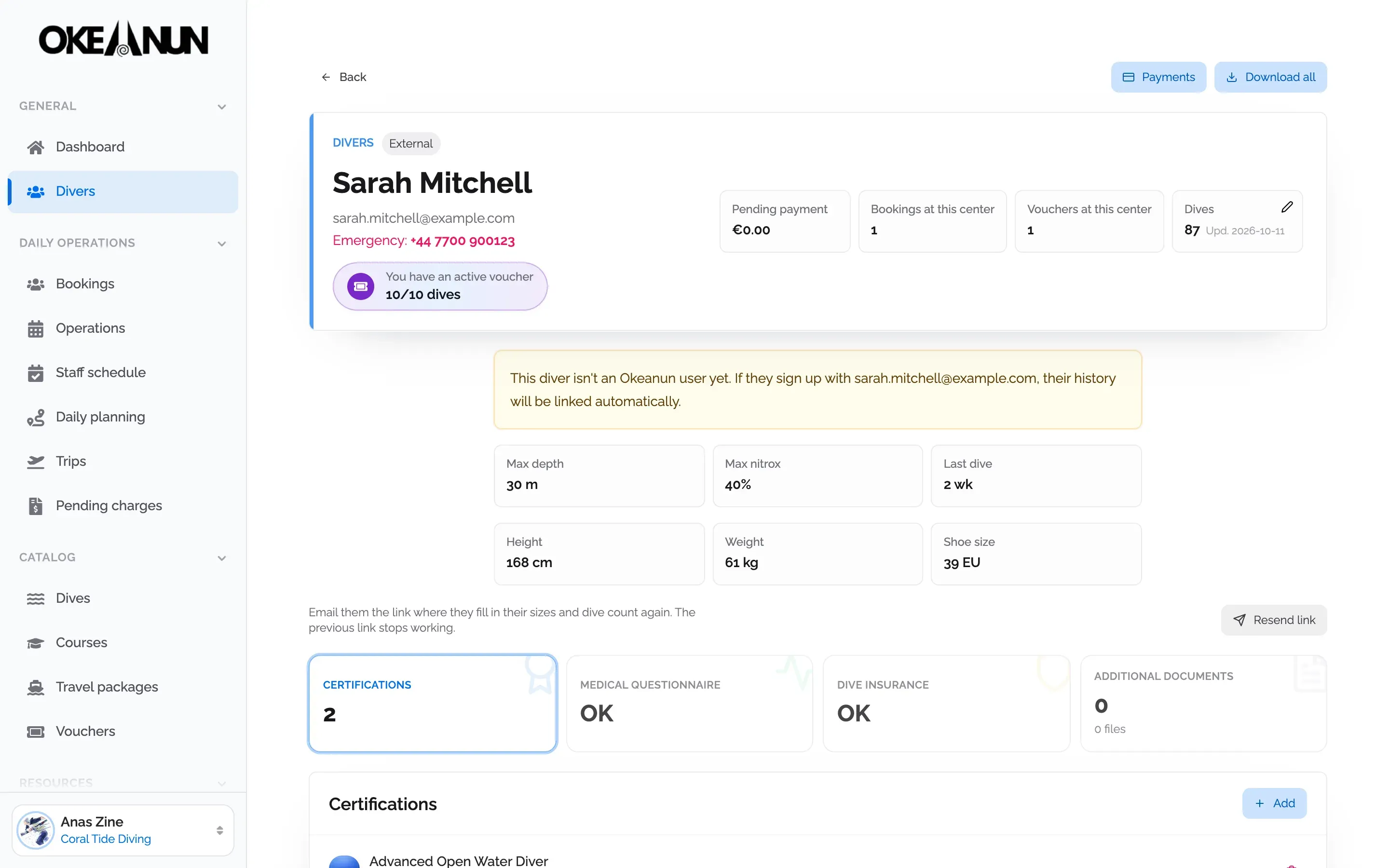
Every diver on a trip shows their certified depth, nitrox level and a warning if a certification, insurance or medical questionnaire is missing, so you can sort it out before leaving the dock.

Which time zone does the calendar use?

Your center's time zone. Times are shown in local time to the whole team, wherever each person is connected from.

Take your dive center digital

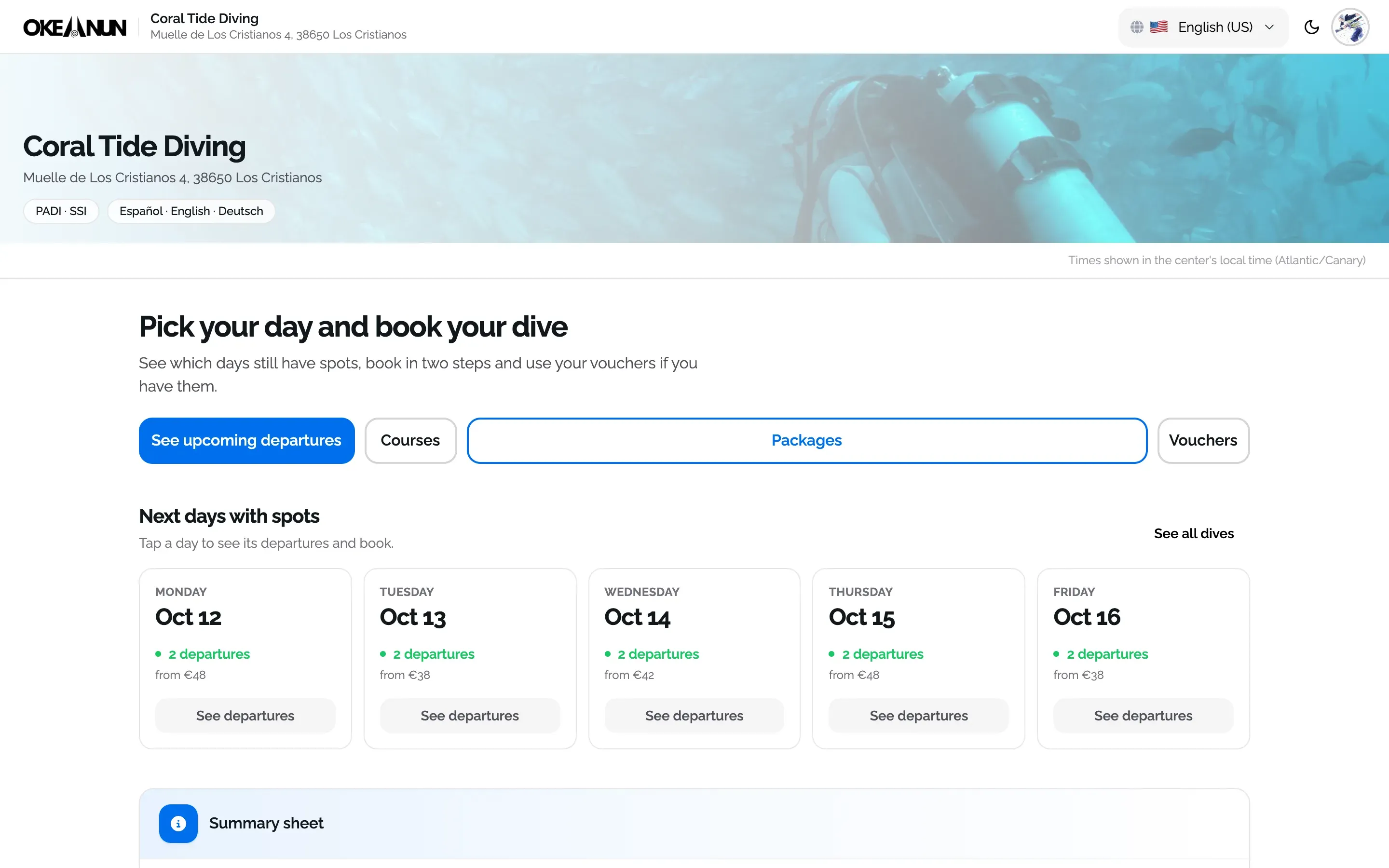
Create your account and set up your center with a step-by-step wizard: details, booking page, subscription and payments.

One monthly plan, everything included