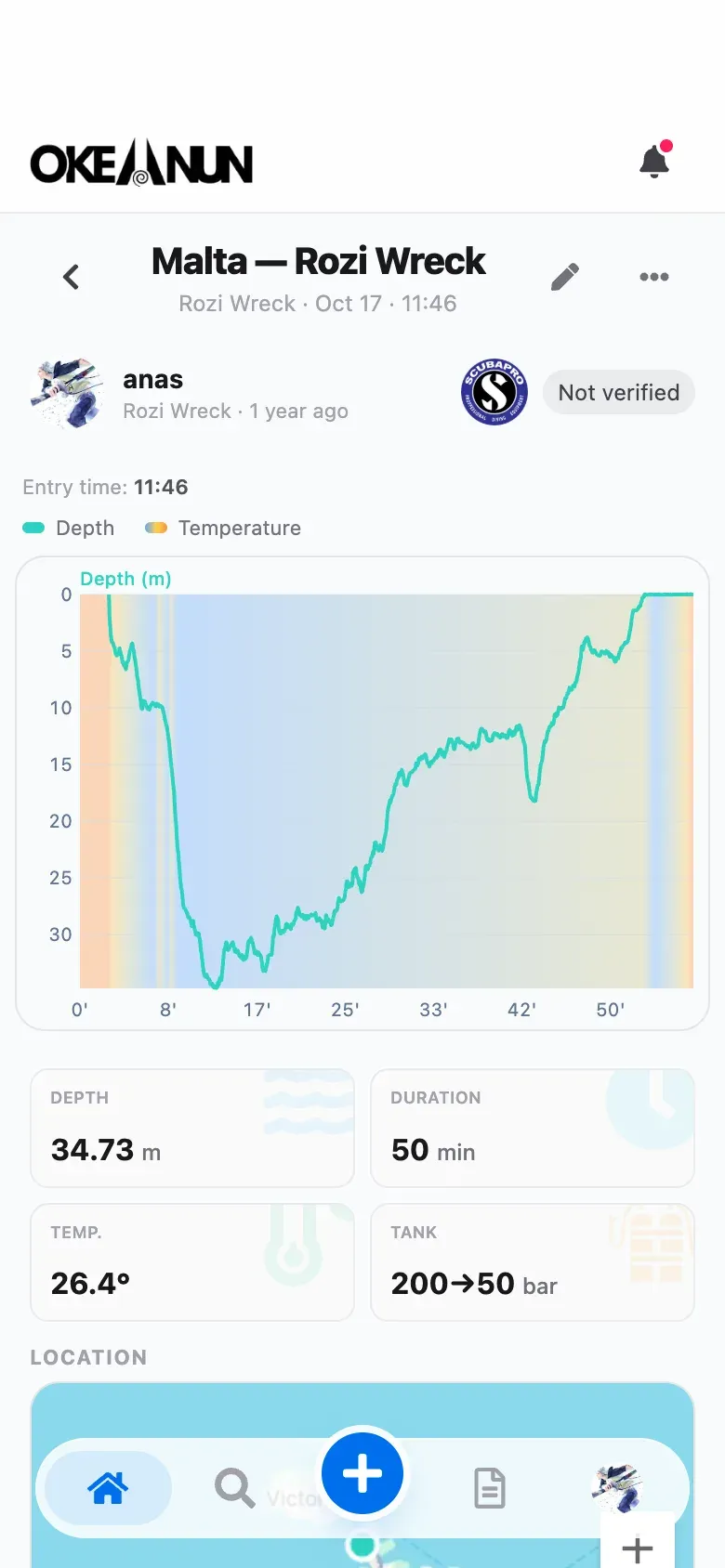
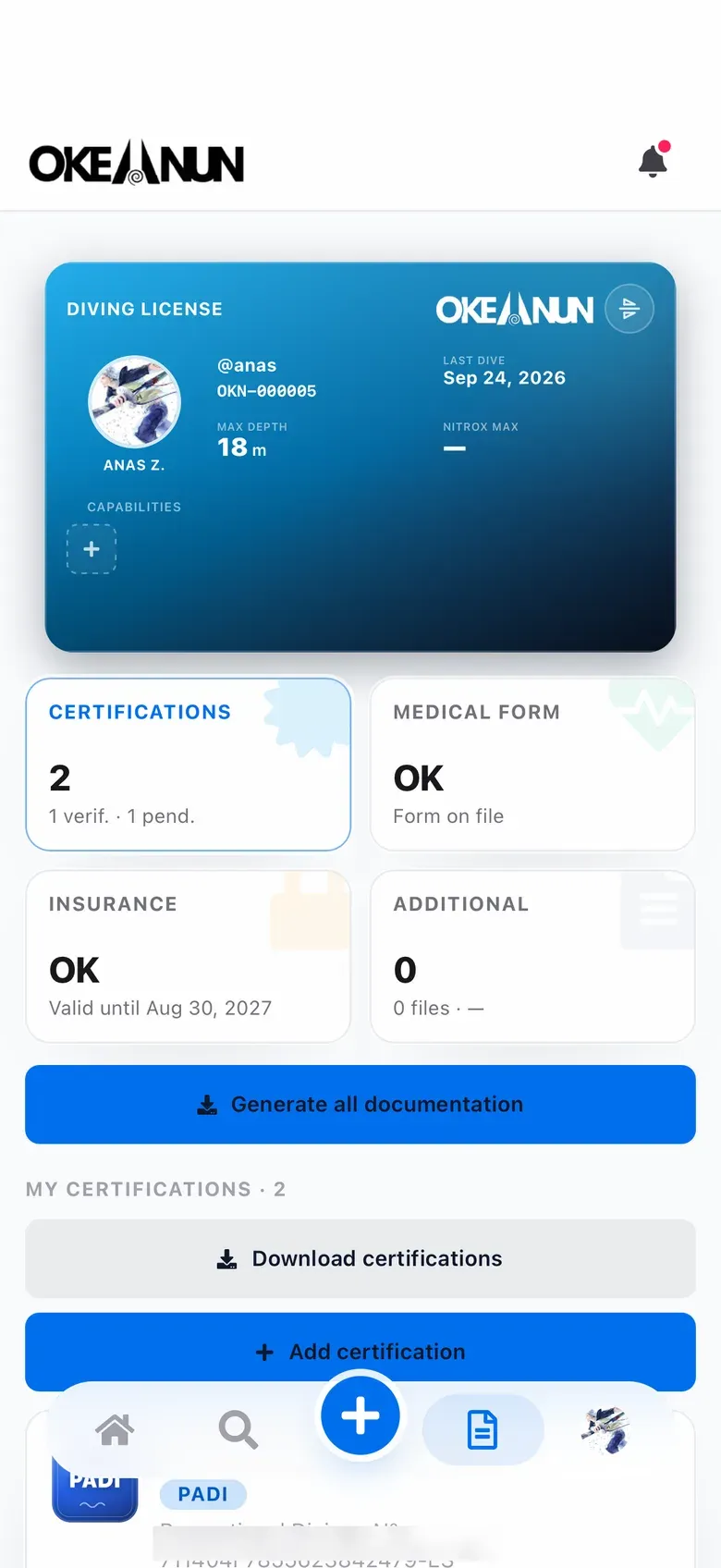
Verified by who was there
Add the instructor or divemaster who led the dive. They receive a request, check the details and verify it, and the dive shows as certified in your logbook.
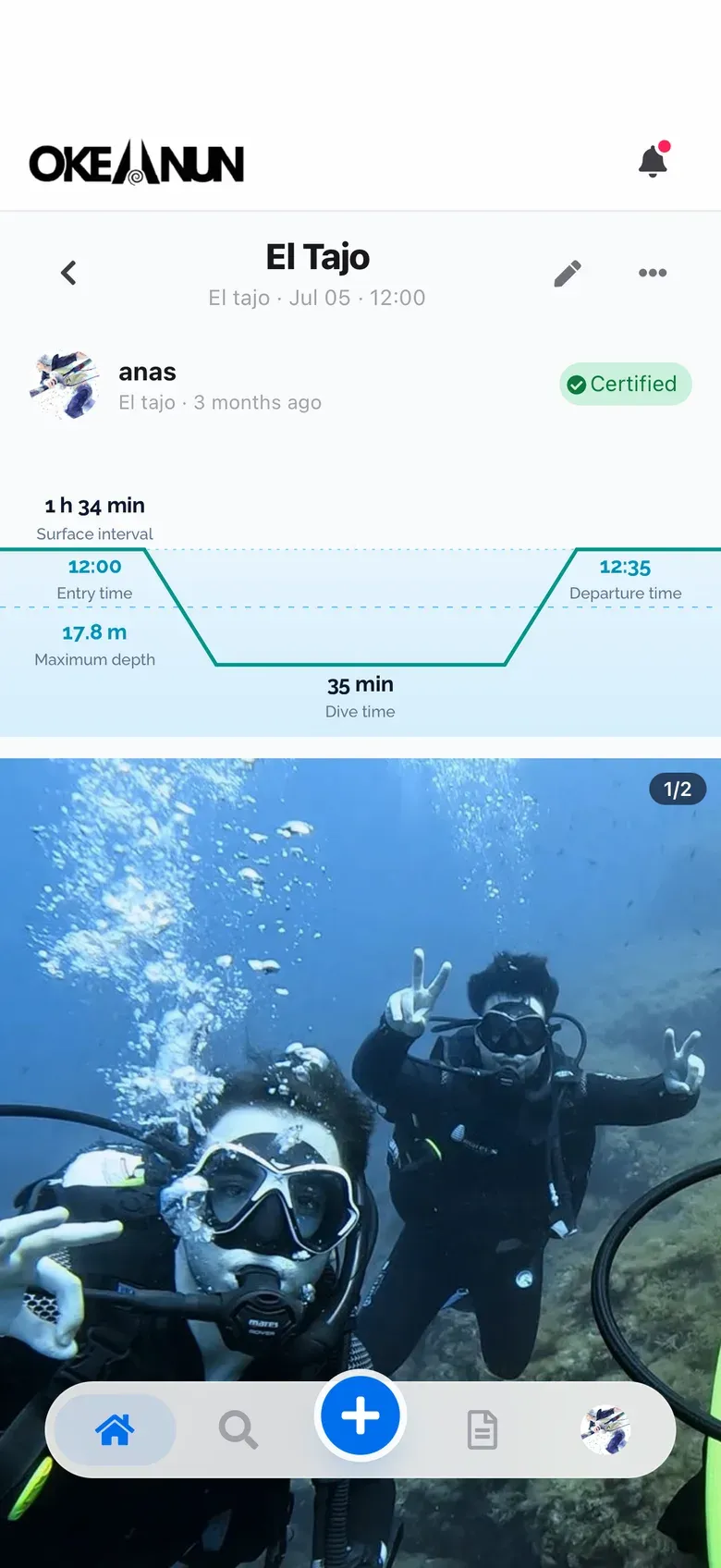
Ask your instructor or divemaster to verify each dive, add your buddies to it and share it with your friends.


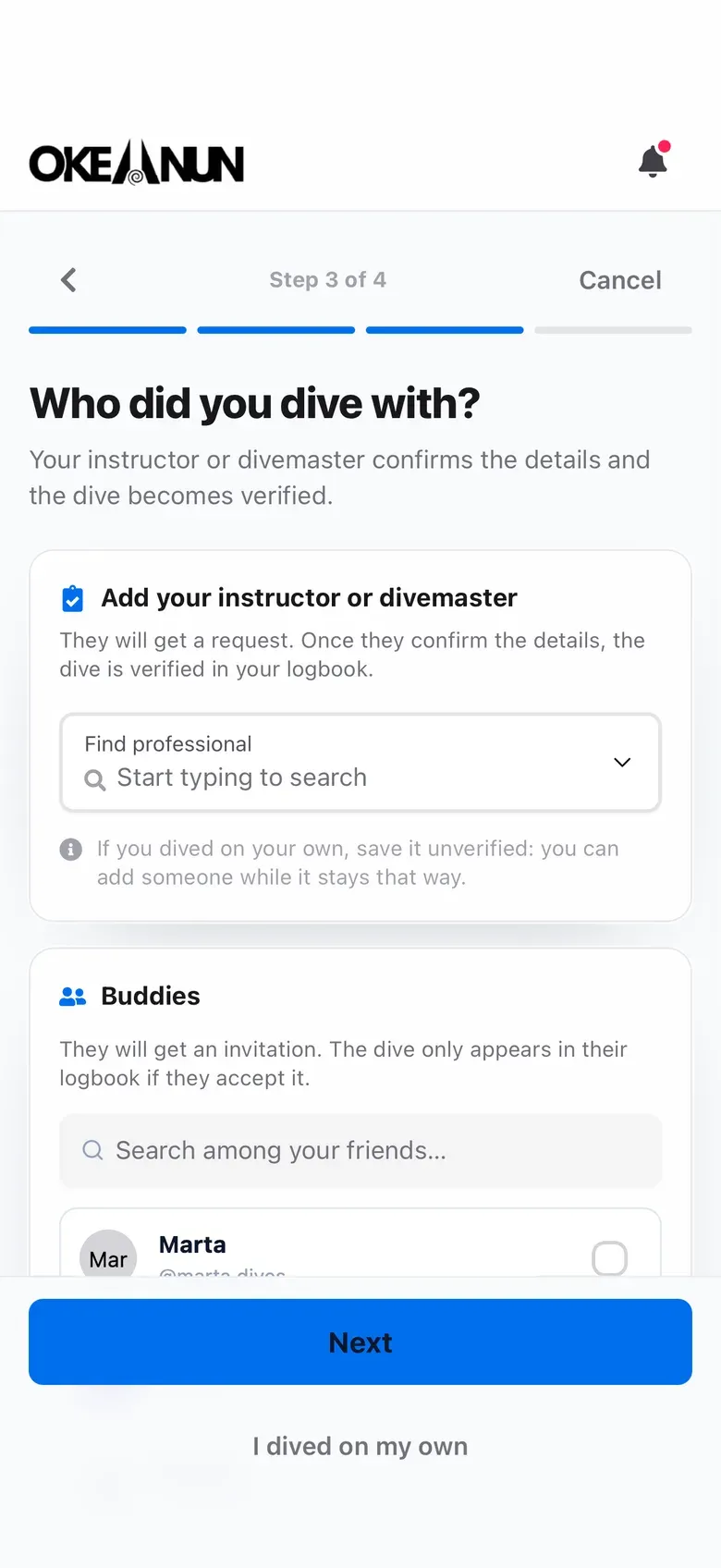
Add the instructor or divemaster who led the dive. They receive a request, check the details and verify it, and the dive shows as certified in your logbook.
Share your dives with your friends in the feed. They can like and comment on them, and you see theirs too.
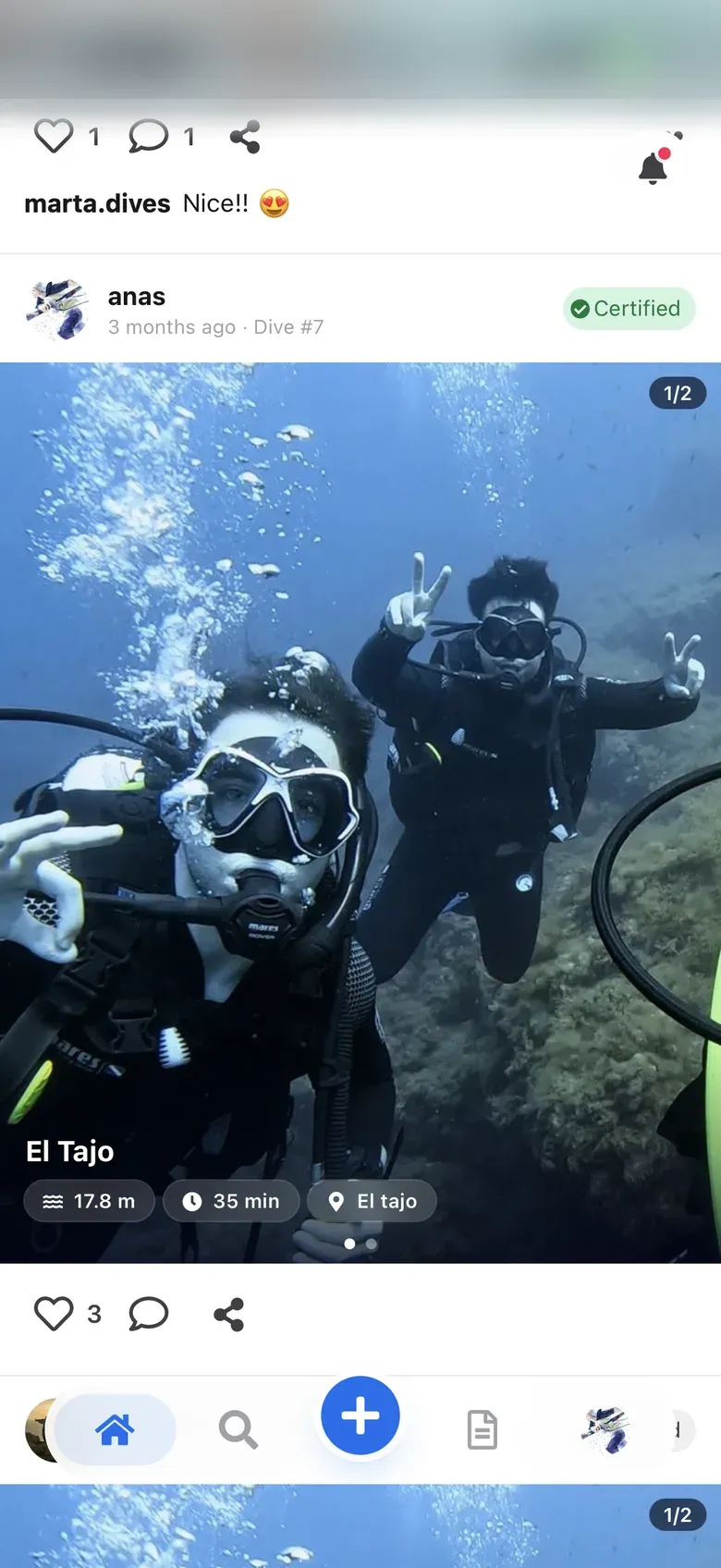
A logbook is only as good as the signatures in it. Paper logbooks rely on a stamp at the bottom of the page. Okeanun lets the instructor or divemaster who led the dive verify it from their own phone.
When you log a dive, you add the professional who was with you. They receive a request, review the date, depth and time, and approve it, reject it or send a correction. Once approved, the dive is marked as certified in your logbook and in the feed.
Instructors and divemasters use the same app: the dives they lead appear in their queue to verify, next to their own logbook.
What people ask us most about this feature.
An instructor or divemaster with an Okeanun account. You choose them when you log the dive or later from the dive itself.
They can approve the dive, reject it or send a correction, and you see the result on the dive.
You can change the name, photos, conditions and equipment. The depth, time and date cannot be edited, because they are what your instructor verified.
When you add buddies, they get an invitation. When they accept, the dive appears in their own logbook with their own depth and time.
No. Importing from a dive computer only fills in the data. Only an instructor or divemaster can verify a dive.
Create your free account and log your next dive today.
Free for divers · No credit card required