Pick the file and you're done
Choose Scubapro LogTRAK, Garmin or Suunto, upload the file and, if it holds several dives, pick the one to log. To upload them all at once, import from your profile.
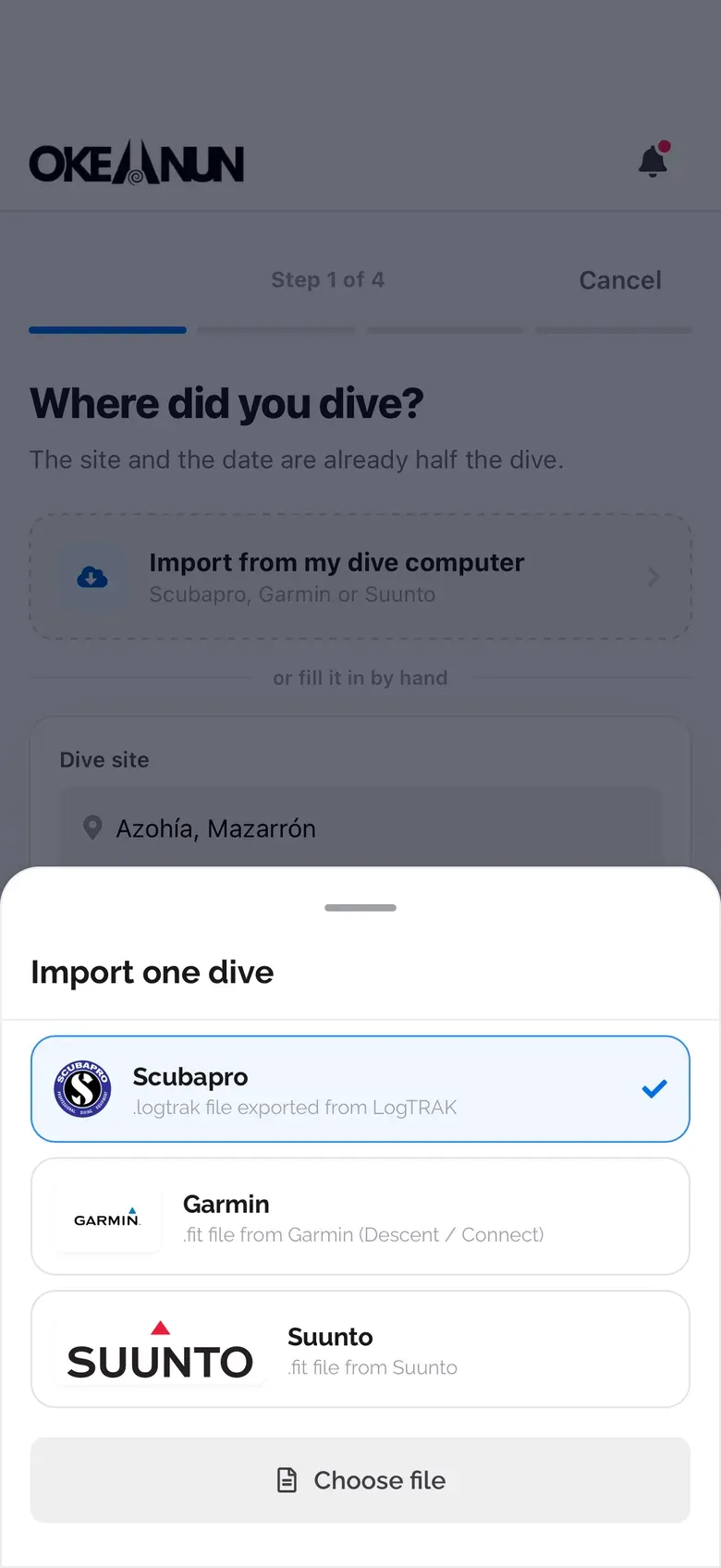
Upload the file from your dive computer and Okeanun reads the depth profile, time and temperature. No retyping and no duplicates.


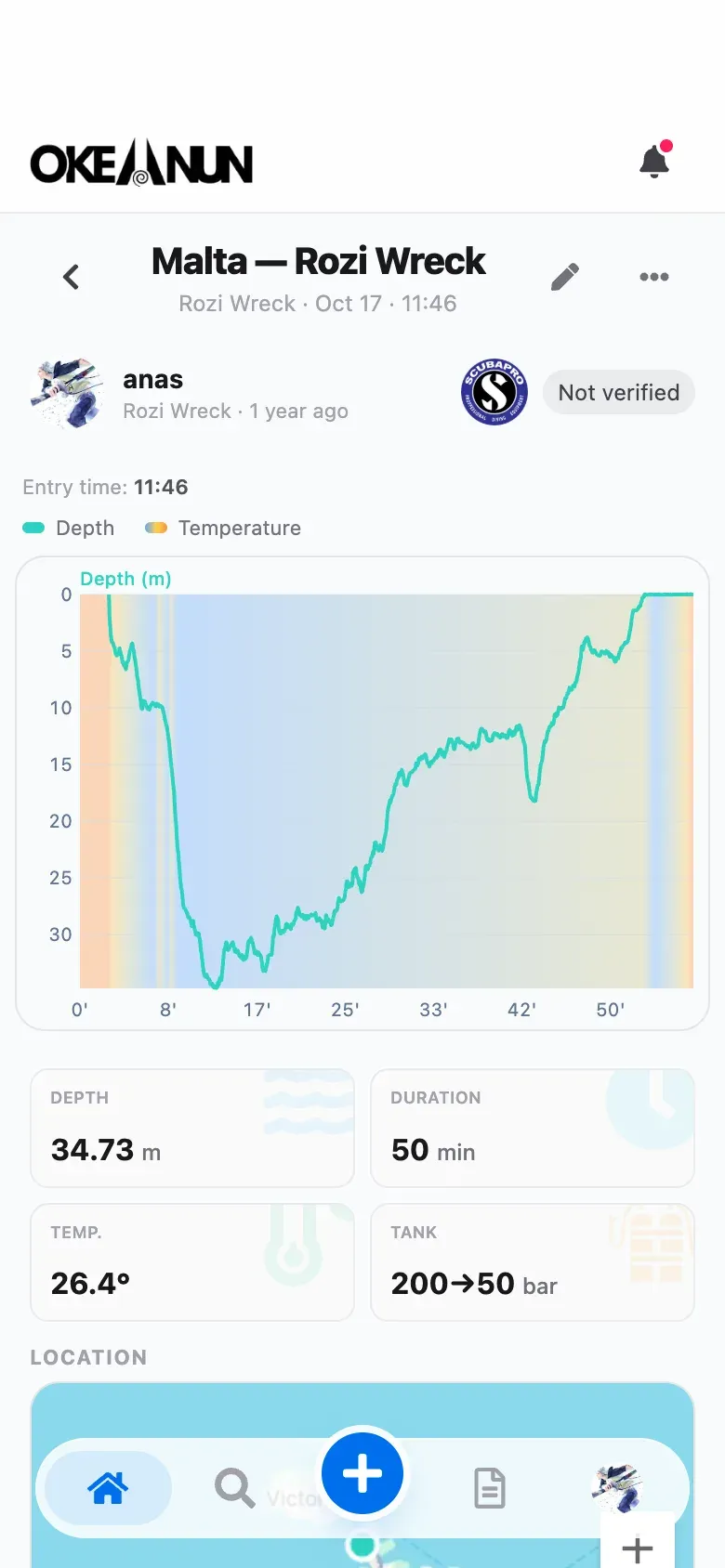
Choose Scubapro LogTRAK, Garmin or Suunto, upload the file and, if it holds several dives, pick the one to log. To upload them all at once, import from your profile.
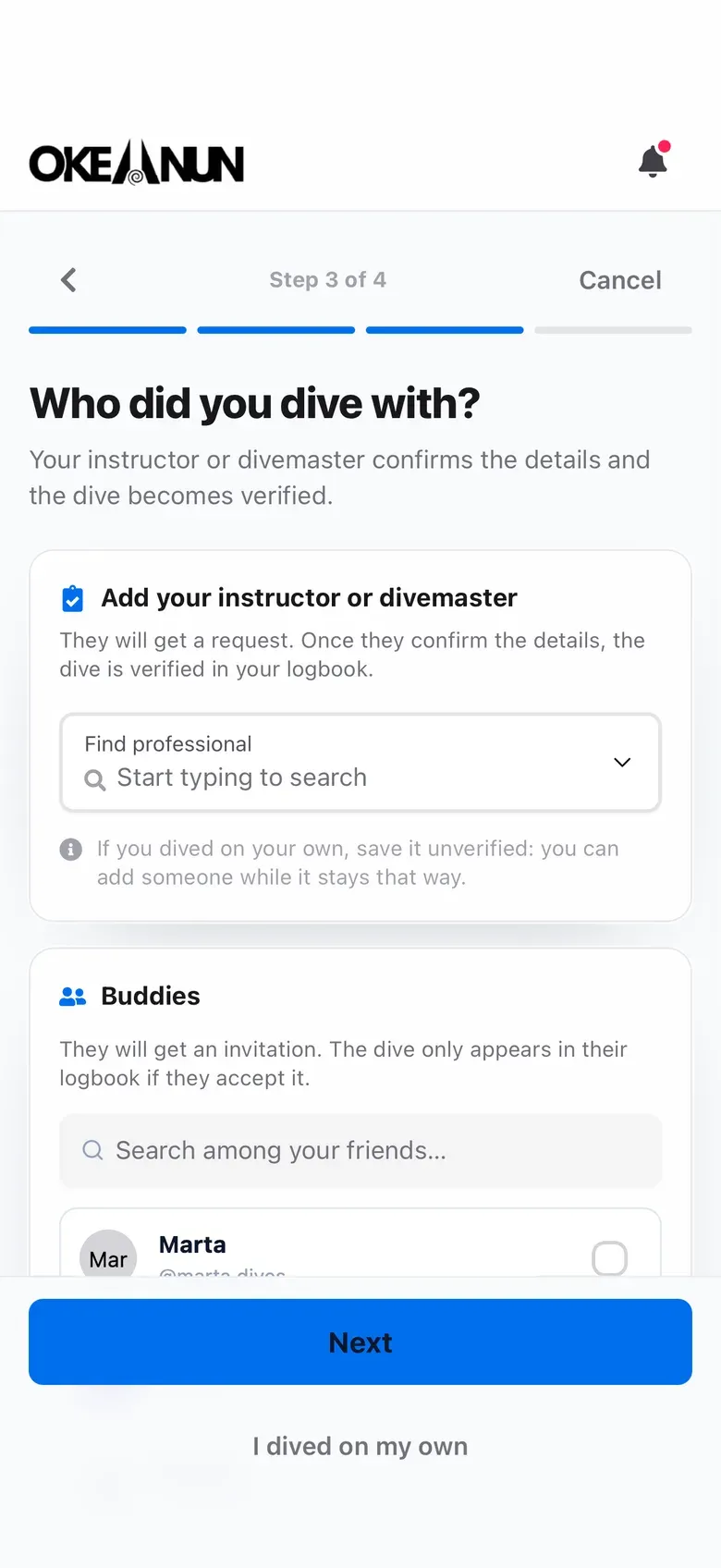
A computer file fills in the numbers. You add the dive site, photos, buddies and conditions, and ask your instructor or divemaster to verify the dive if you want it certified.
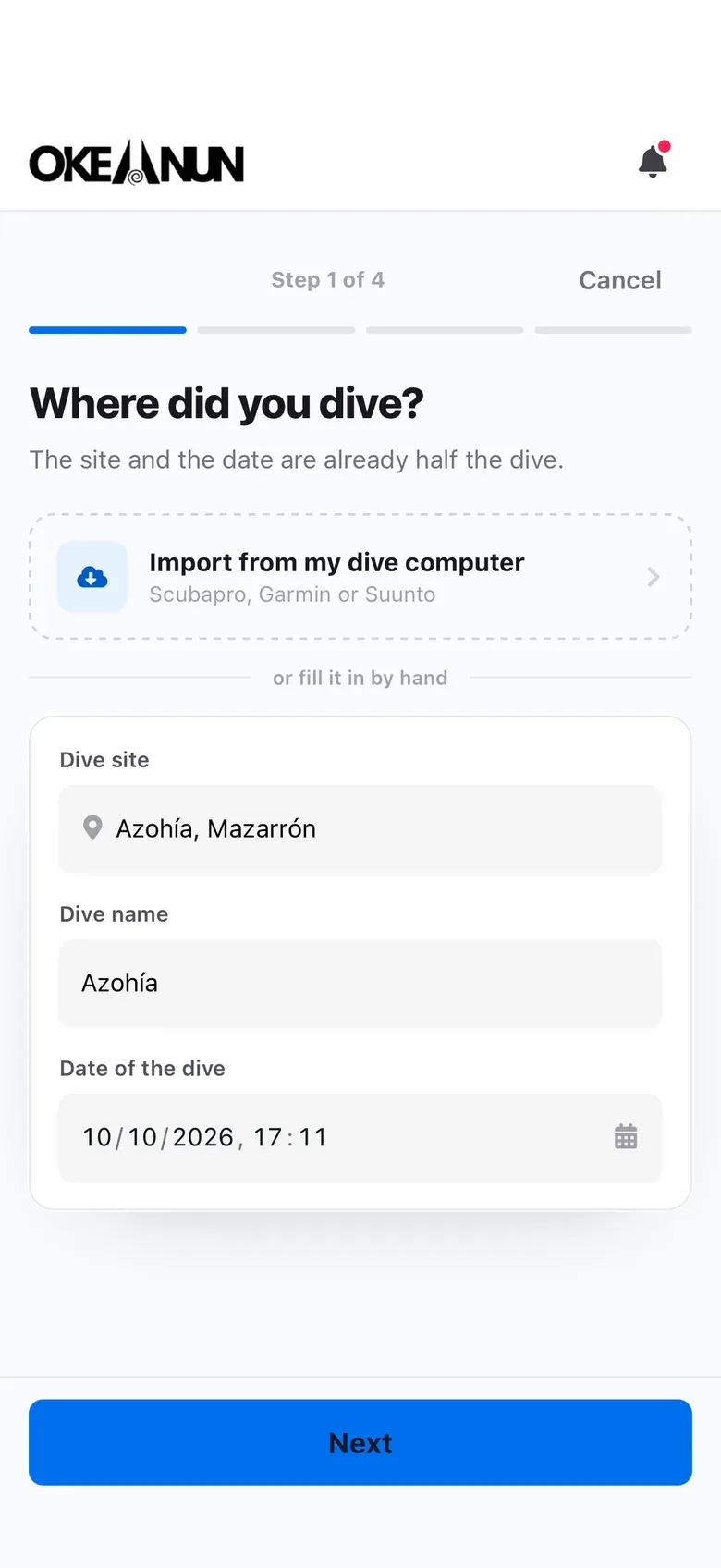
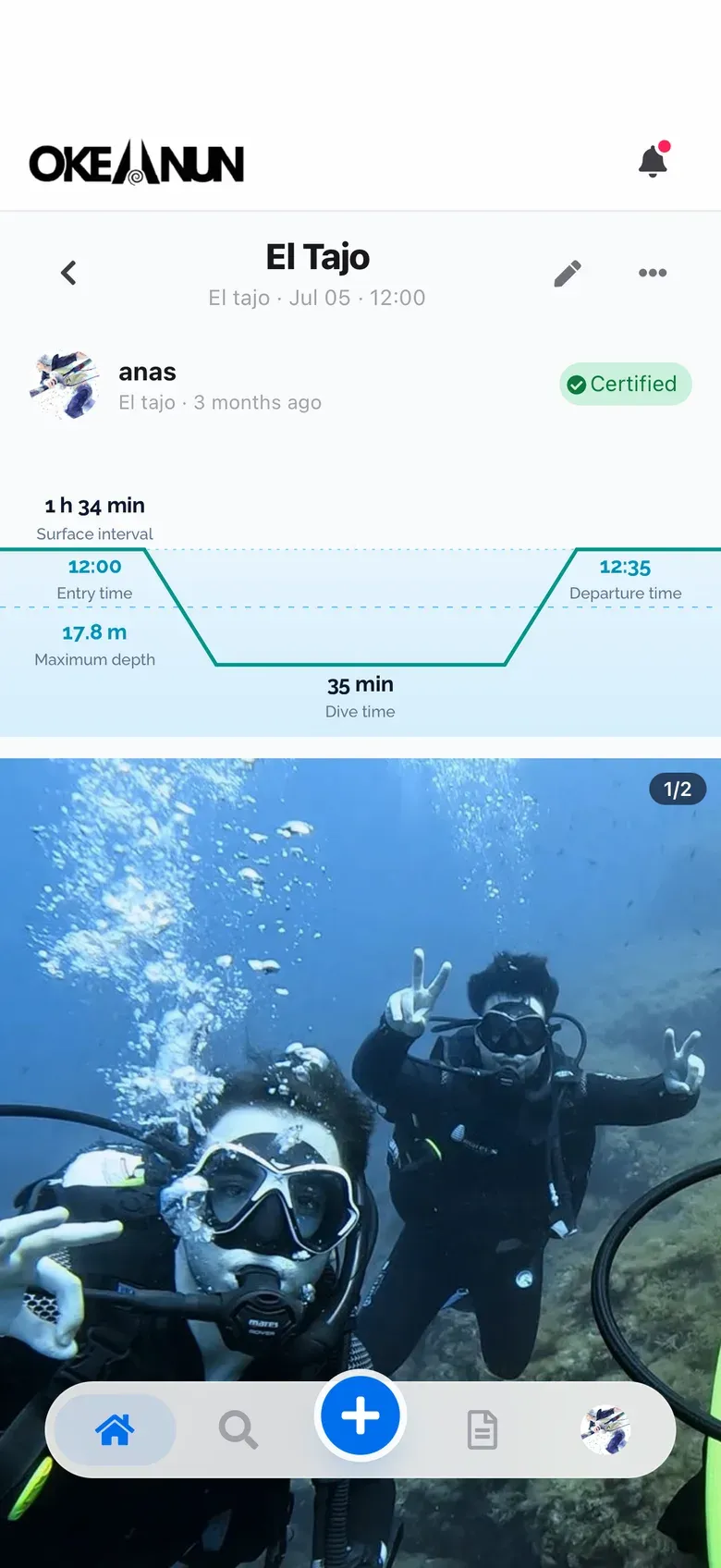
Your dive computer already knows how deep you went and for how long. Typing it again into a logbook is slow and error-prone. Okeanun reads the file your computer exports and turns it into a dive in your digital logbook.
Export the file from Garmin Connect, the Suunto app or Scubapro LogTRAK, choose it in Okeanun and the dive appears with its date, maximum depth, duration, water temperature and depth profile. If the dive is already in your logbook, Okeanun leaves it out, so you can import the same export twice without worrying.
After importing, the dive works like any other: you can add photos, buddies and conditions, and share it with your friends.
What people ask us most about this feature.
Garmin Descent and Suunto computers through their .fit files, and Scubapro computers through files exported from LogTRAK.
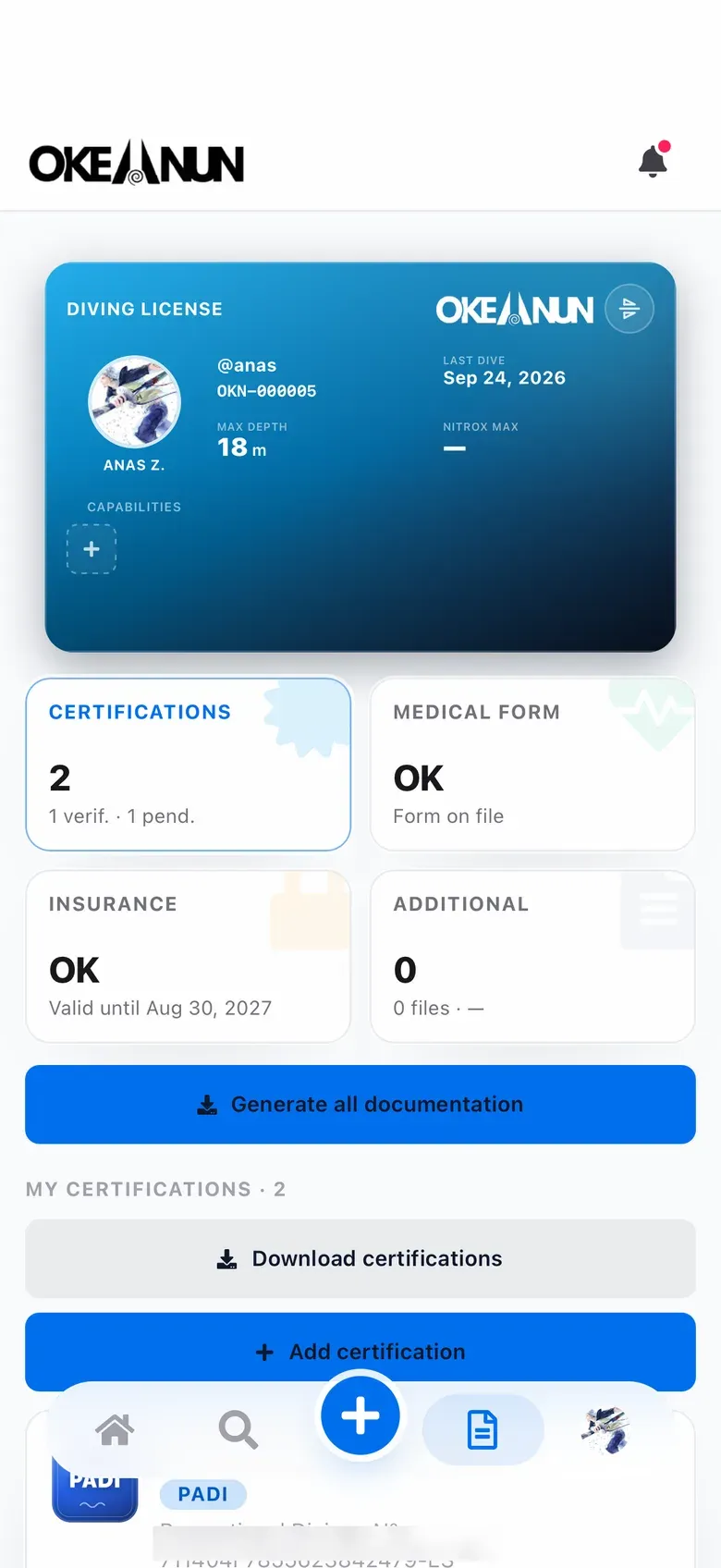
Yes. From your profile you can import several files in one go, or import a single dive while you log it.
No. Okeanun skips dives that are already in your logbook.
No. A computer file only fills in the data. To have a dive verified, ask the instructor or divemaster who dived with you to confirm it.
For now Okeanun reads .fit and LogTRAK files. You can still log any dive by hand in a few steps.
Create your free account and log your next dive today.
Free for divers · No credit card required