
Know who still has to pay
Pending charges lists every diver with an open balance at your center, what is due now and what is overdue. From there you send a payment link, record a cash payment or let a deposit cover it.
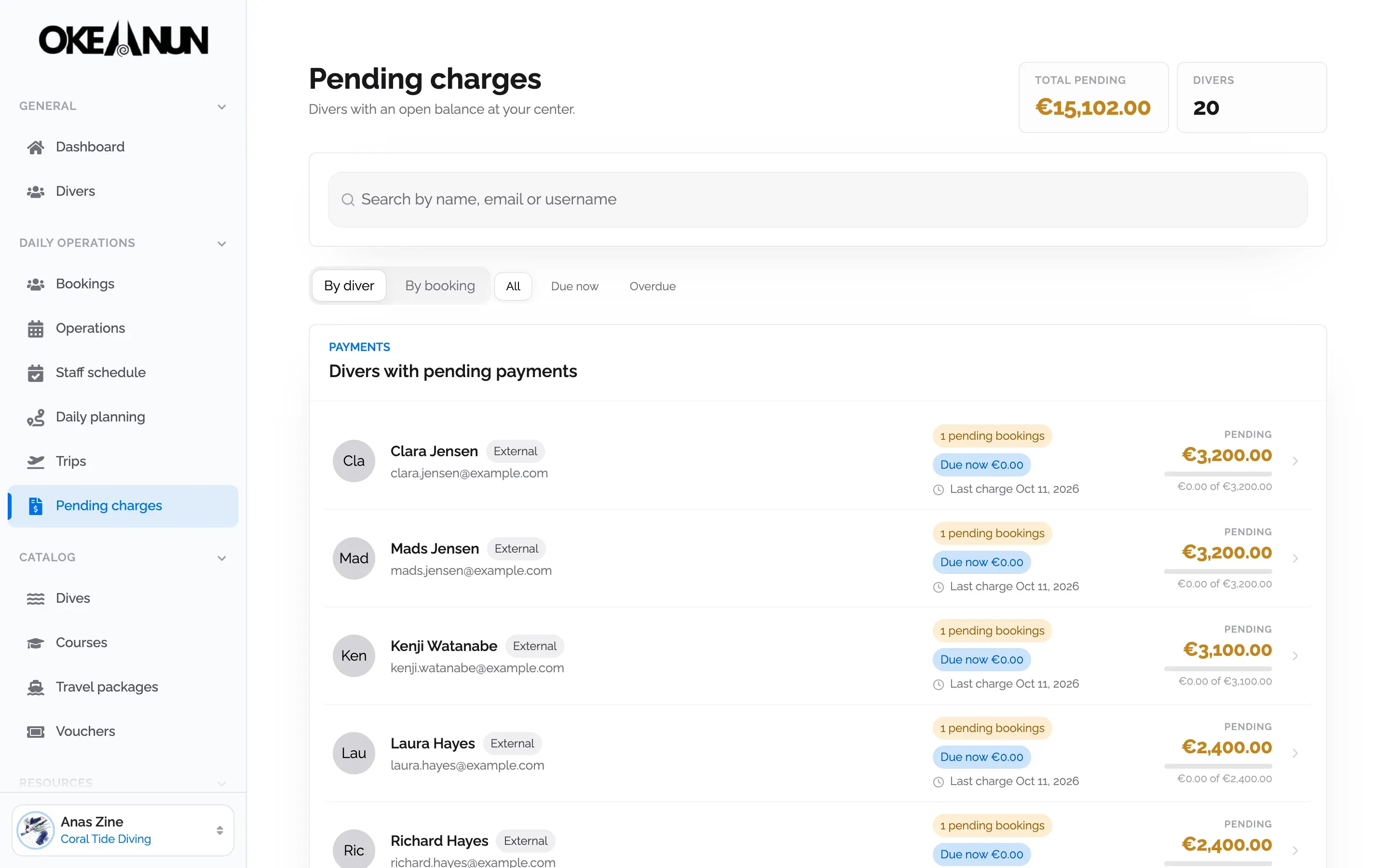
Charge deposits, send payment links and record cash in one place. Online payments go straight into your own Stripe account.
Pending charges lists every diver with an open balance at your center, what is due now and what is overdue. From there you send a payment link, record a cash payment or let a deposit cover it.
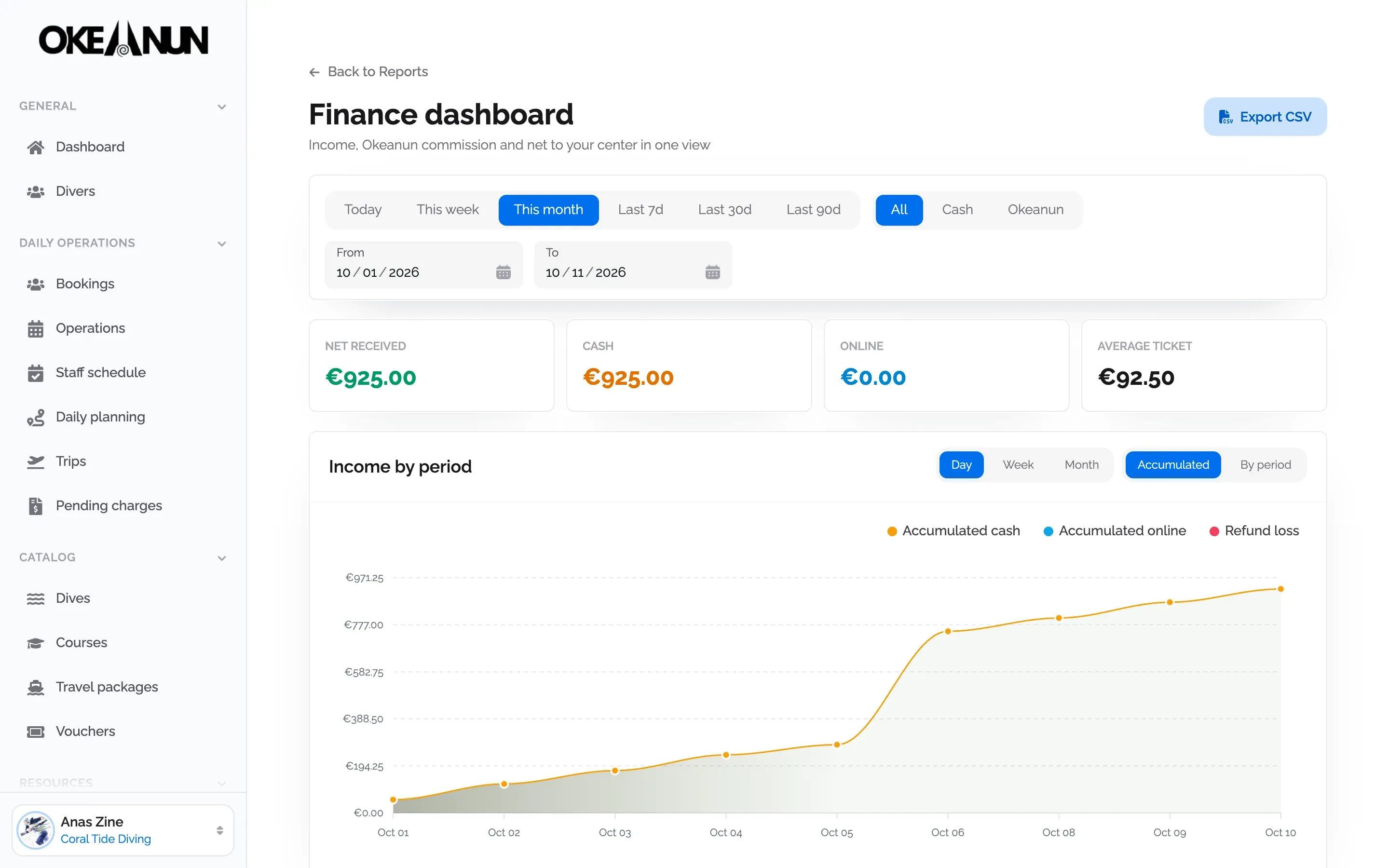
The finance dashboard separates cash and online income, shows Okeanun's commission and the average ticket, and draws your income over the period you choose. Export it to CSV for your accountant.
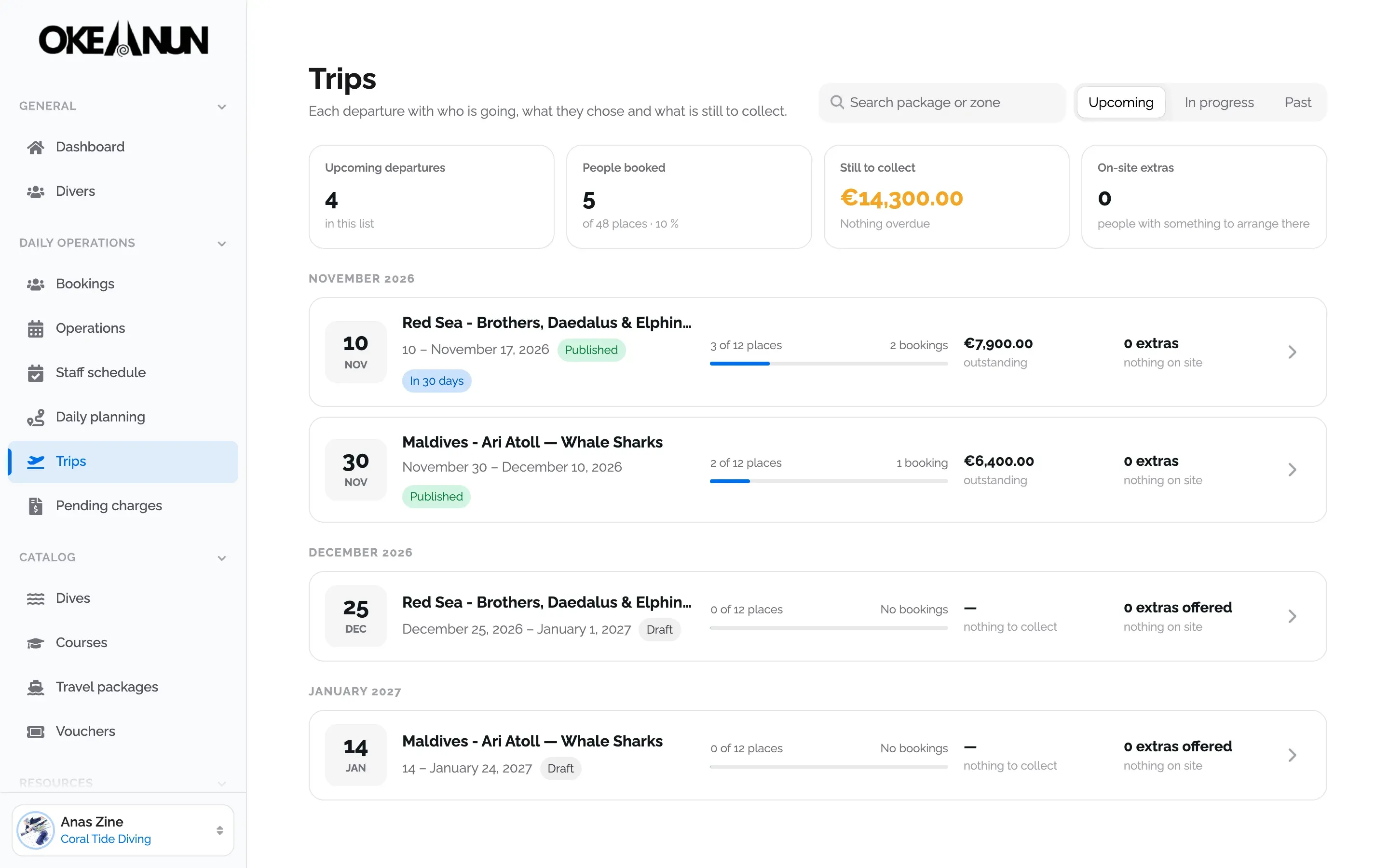
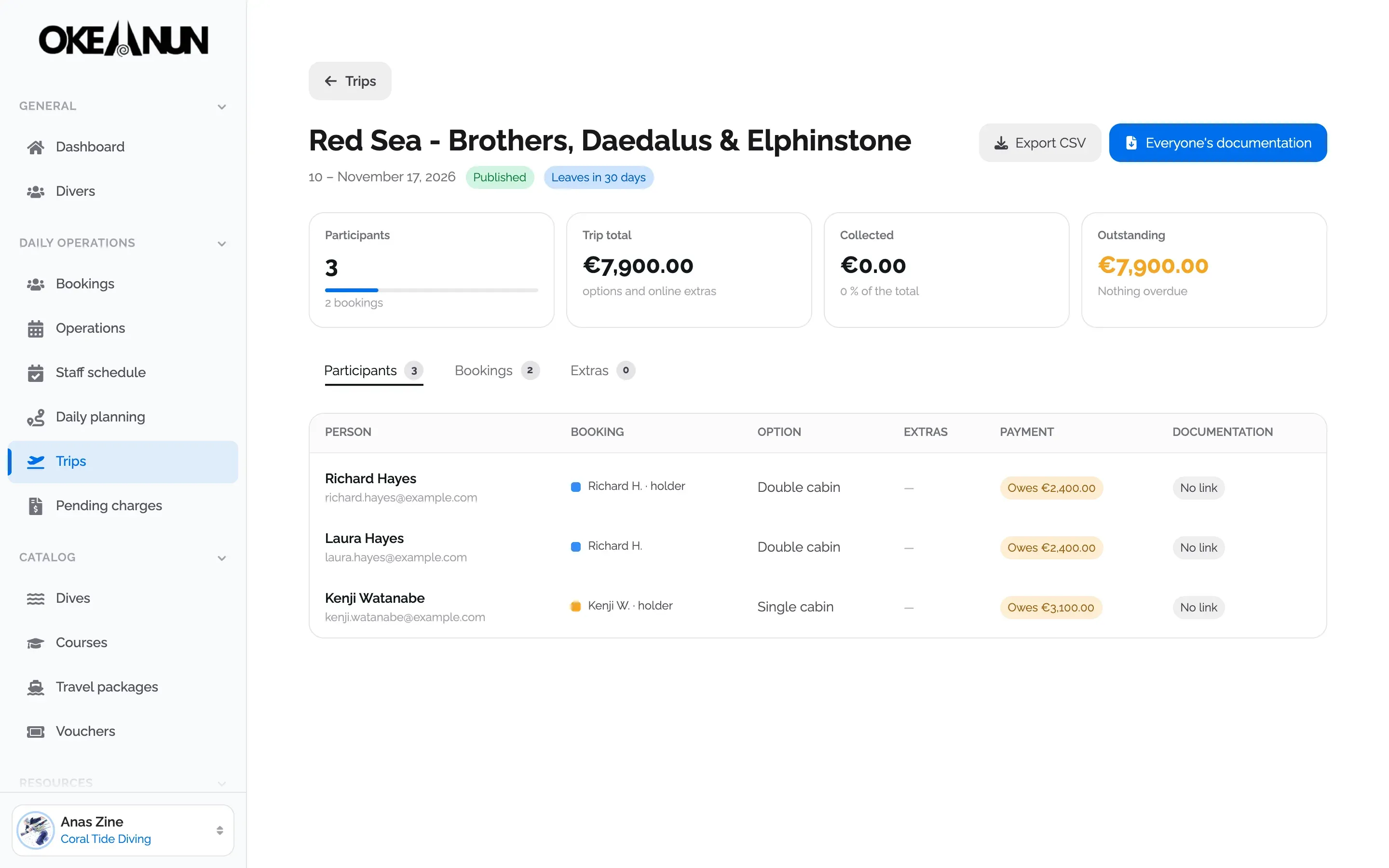
Liveaboards and trips can be paid with a deposit and instalments. Each instalment is sent as a payment link before its due date, with reminders if it is overdue, and the trip shows what has been collected and what is still outstanding.
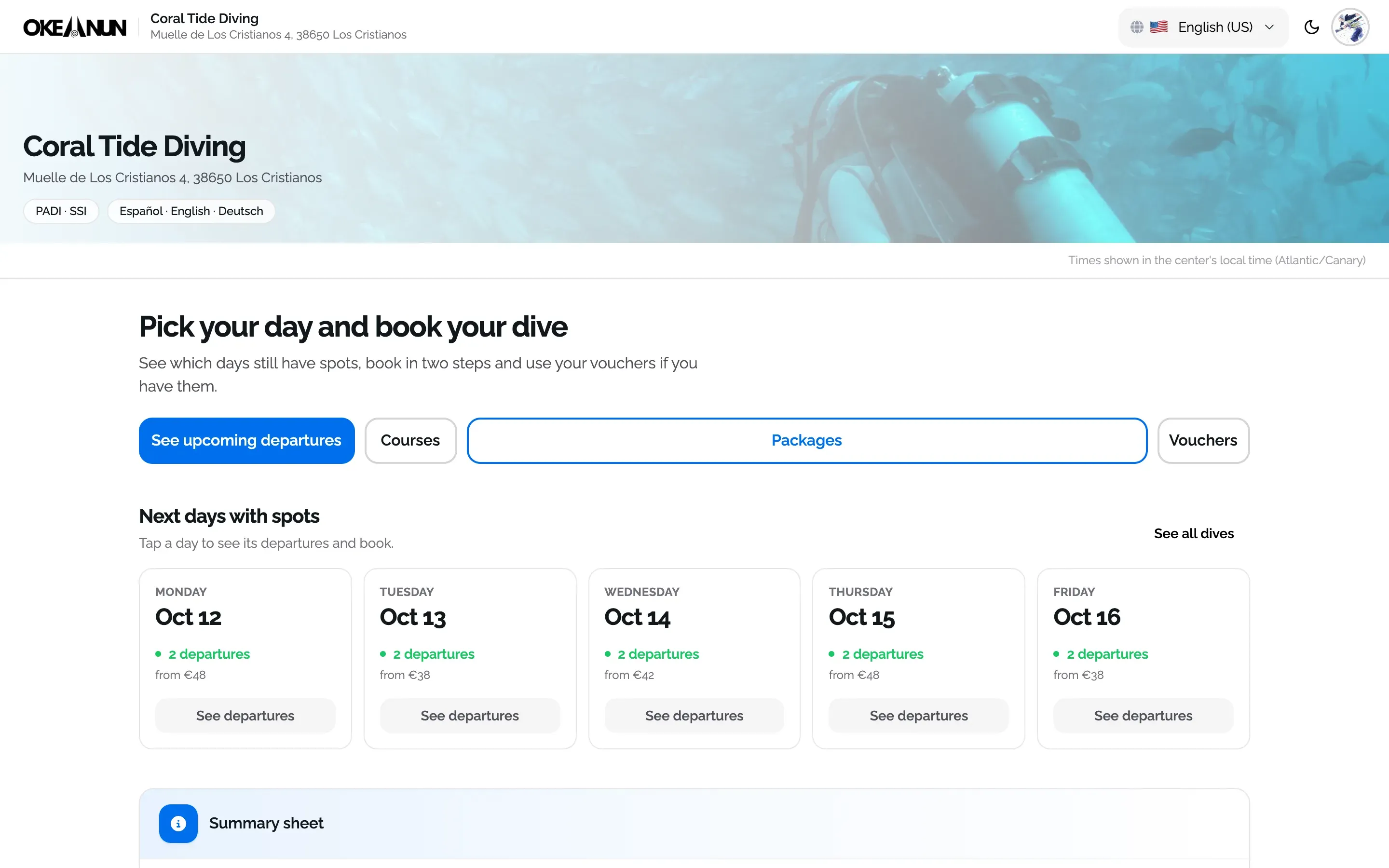
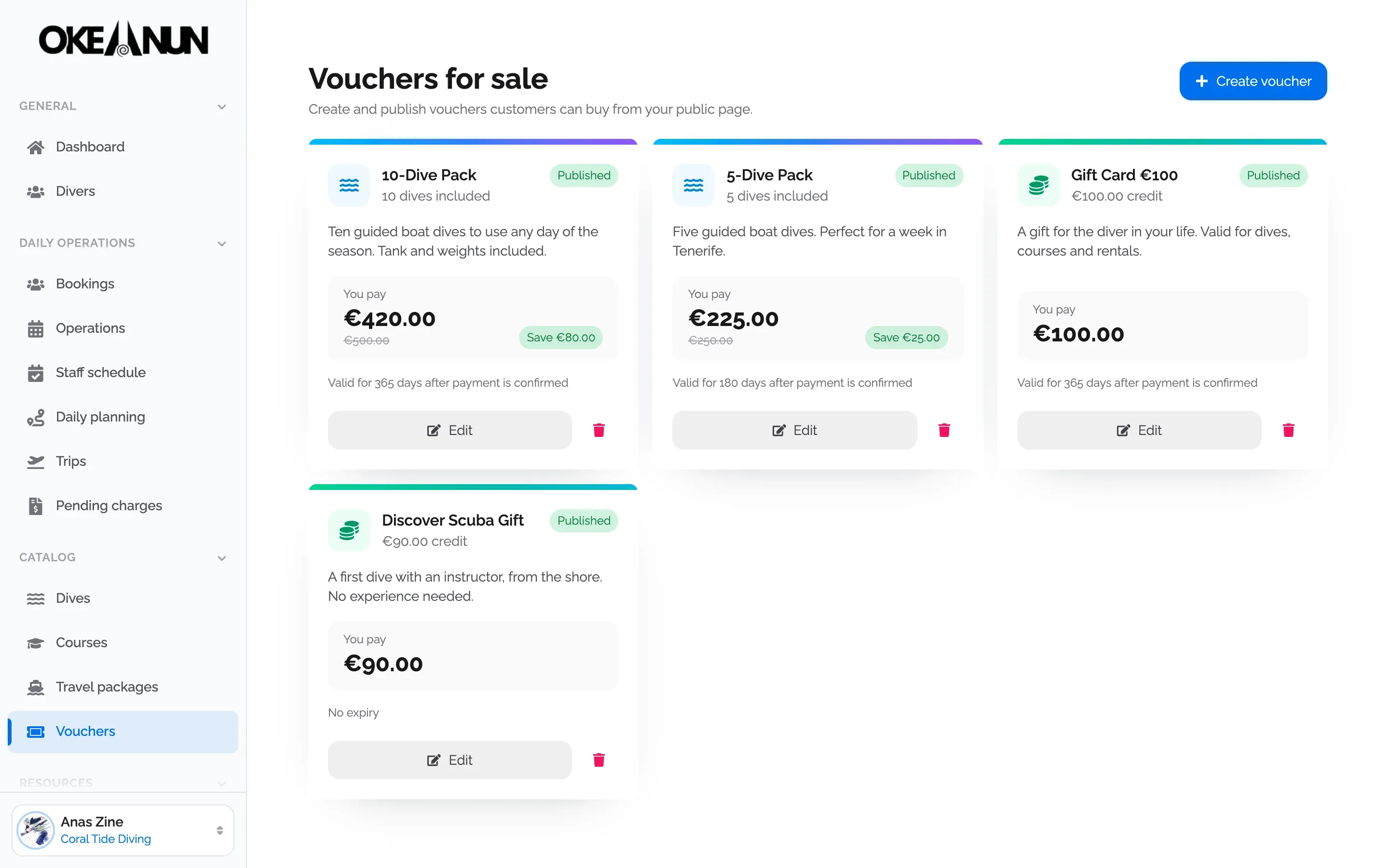
Payments are where a dive center loses most time: deposits written on a notebook, transfers nobody can match to a booking, groups where one person pays for five. Okeanun Manager keeps every euro attached to the booking and the diver it belongs to.
Every booking has its own ledger. Dives, rental gear, discounts, deposits and refunds are added as they happen, and nothing is ever overwritten, so you can always see who paid what, when and how.
Divers receive every payment email in their own language, and the bookings they pay show up as paid in the Okeanun app as well.
What people ask us most about this feature.
Into your own Stripe account. You connect it once from Manager with Stripe Connect, and your divers' payments are taken directly into it.
Yes. You can ask each diver for a deposit when you create the booking or later. It is kept as credit for that diver and applied to their dives automatically once they have a price.
Yes. You can send a payment link to each diver, or a single link that covers several people across one or more bookings.
Yes. Cash payments and cash refunds are recorded on the booking, and the finance report shows cash and online income separately.
You can refund an online payment through Stripe, record a refund in cash, or give the diver a voucher with the amount so they can use it on a future booking.
Yes. Without Stripe connected, bookings and cash payments work as usual and divers pay at the center. You connect Stripe whenever you want to charge online.
Create your account and set up your center with a step-by-step wizard: details, booking page, subscription and payments.
One monthly plan, everything included