
Each diver's balance, on their profile
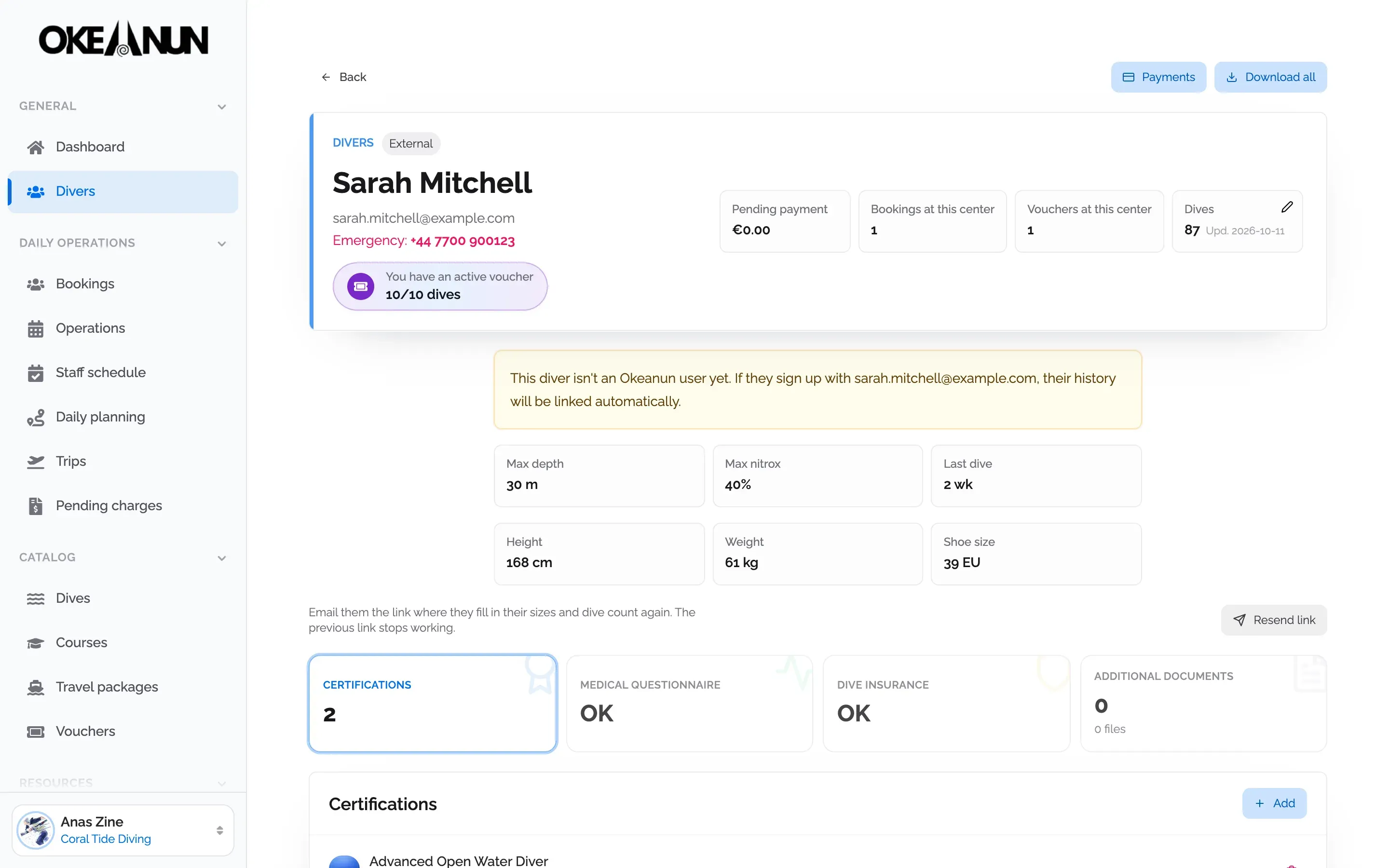
Every voucher is linked to the person who holds it. Their profile shows how many dives or how much credit they have left, next to their bookings and documents.
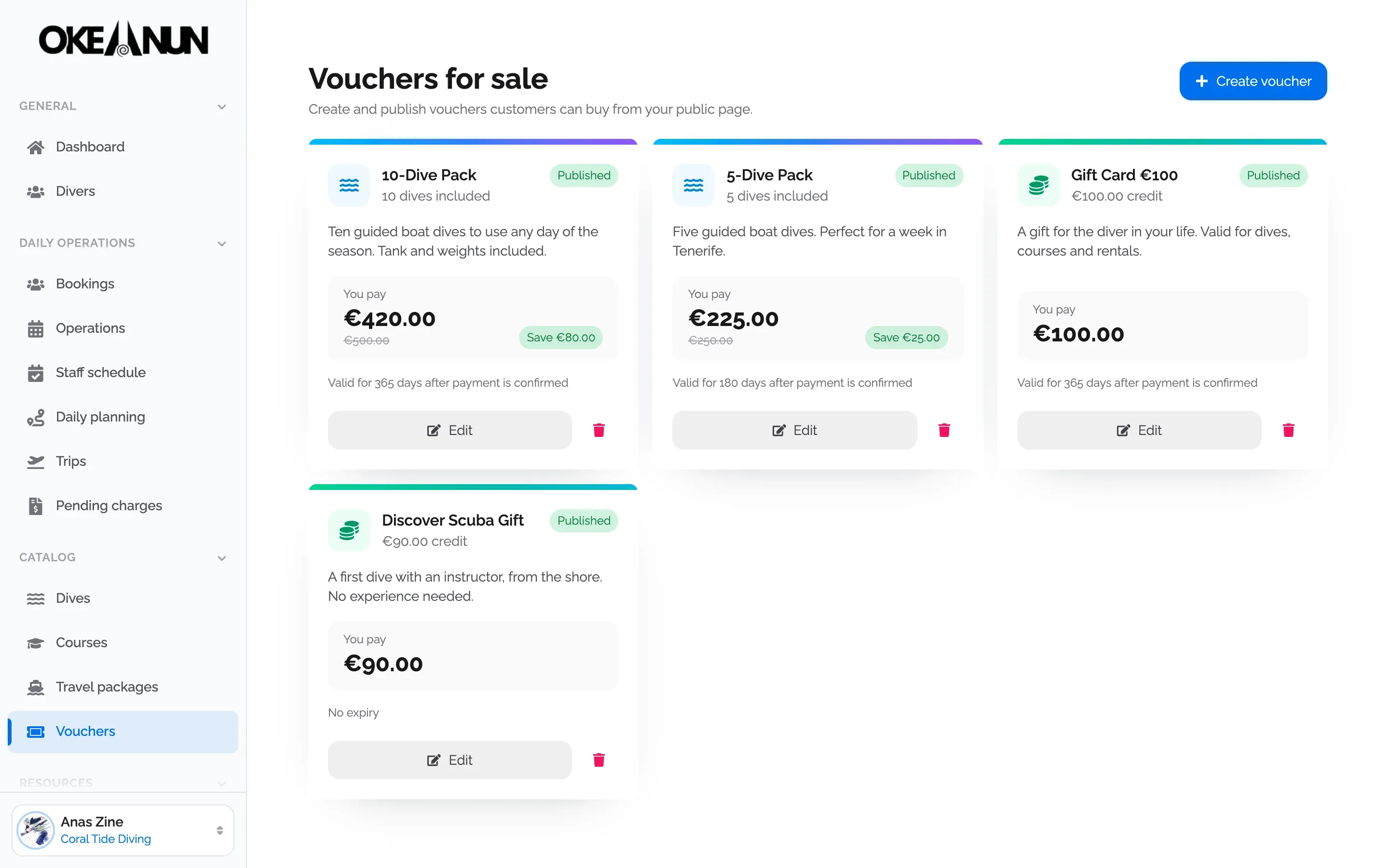
Sell packs of dives and gift cards on your booking page. Divers redeem them on their next booking, and you always see the balance.
Every voucher is linked to the person who holds it. Their profile shows how many dives or how much credit they have left, next to their bookings and documents.
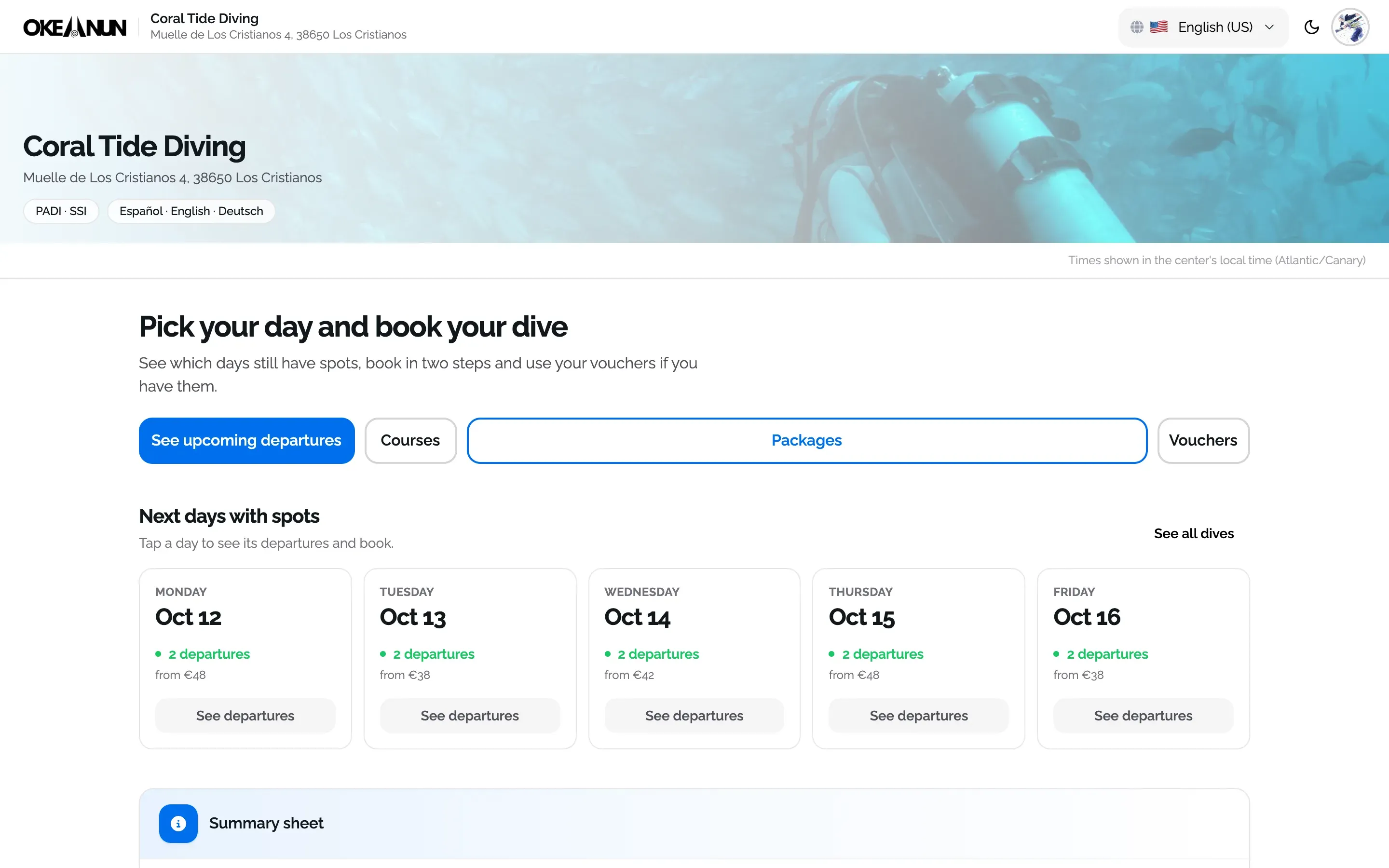
Published vouchers appear in their own tab on your booking page. Divers buy them online, receive the code by email and use it on their next booking.
Gift cards and dive packs bring money in before the season starts and bring divers back. The problem is tracking them: paper vouchers get lost, codes are reused and nobody knows how many dives are left. In Okeanun Manager every voucher has a code, a holder and a balance.
You create the products you want to sell, with their price and conditions, and publish them on your booking page. When a diver uses a voucher, the dives or credit are deducted from the booking, and the balance updates in their profile.
Every voucher can be bought online from your booking page or issued from Manager, and every movement is recorded on the voucher, so you always know where each euro and each dive went.
What people ask us most about this feature.
Two kinds. A money voucher holds an amount of credit, like a gift card. A dive pack holds a number of dives, for example a 10-dive pack sold for less than ten single dives.
You choose for each product. It can have no expiry, expire a number of days after purchase, or expire on a fixed date.
Yes. You can issue a voucher to any diver, take the payment in cash or with a payment link, or give it as a promotion or a refund.
With the code at booking, or applied by your team on an existing booking. Dive packs cover whole dives and money vouchers cover the amount they hold.
Yes. The issued vouchers list and the vouchers report show what has been sold, used and what is still active.
Create your account and set up your center with a step-by-step wizard: details, booking page, subscription and payments.
One monthly plan, everything included